You became a teacher to teach. The prep is on us.
TeacherVision Studio reads your lectures, PD recordings, PDFs and YouTube lessons and writes them up as notes your class can use, then builds a quiz and flashcards from them when you ask. Nothing to start from? Describe a topic and a grade level and it writes the worksheet, quiz or lesson plan itself. Lesson prep takes minutes, not your evening.
Two paths, one app
Start with what you have, or start from nothing
TeacherVision Studio covers both ends of lesson prep - turning material you already have into study content, and generating brand-new resources when you don’t.
Transcribe what you have
Upload a PDF, paste a YouTube link, or record a lecture. TeacherVision Studio reads it and writes a study note you can edit and ask questions about, and turns that note into a quiz and a flashcard deck when you are ready - all grounded in your own material.
Generate something new
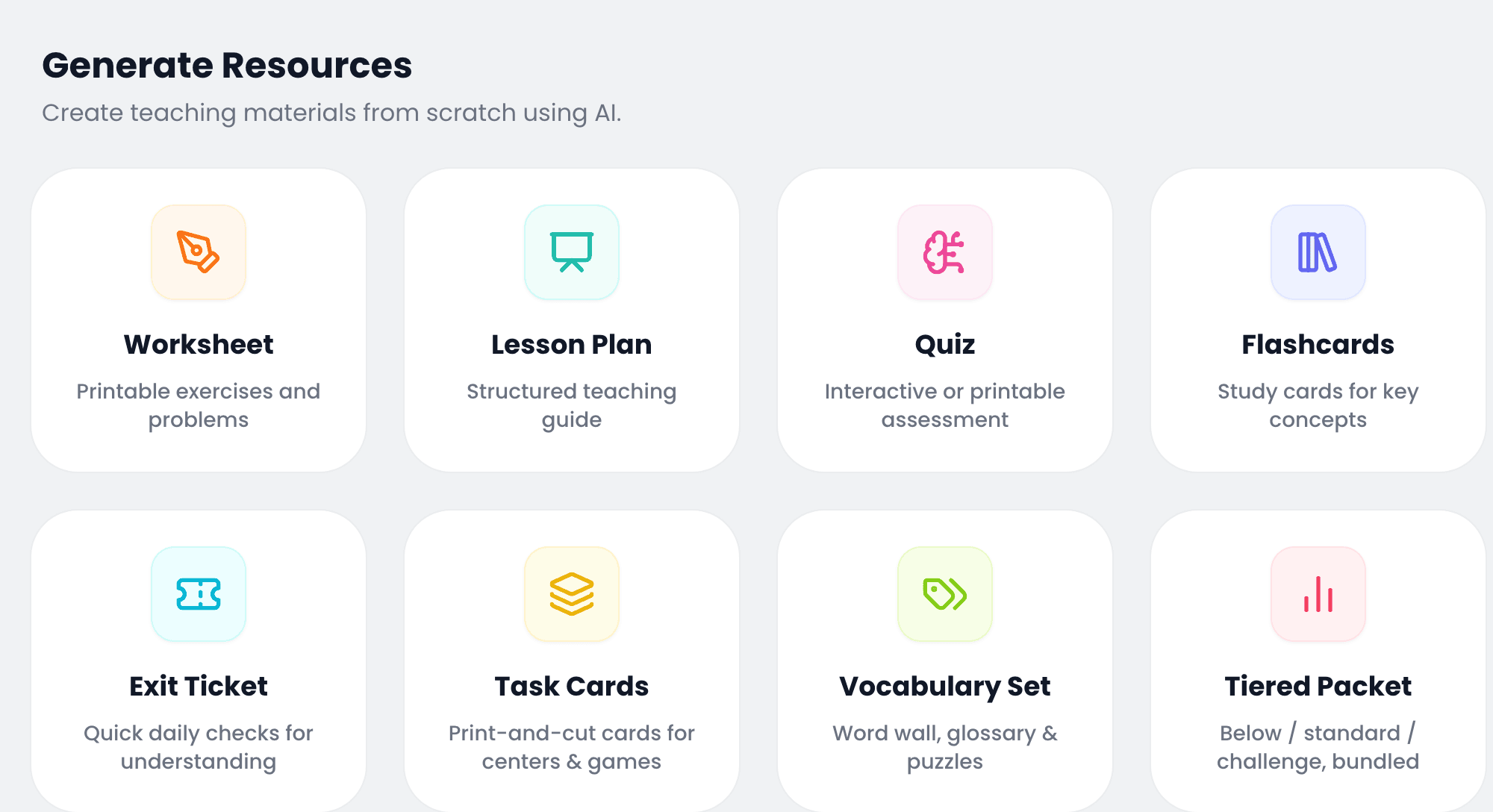
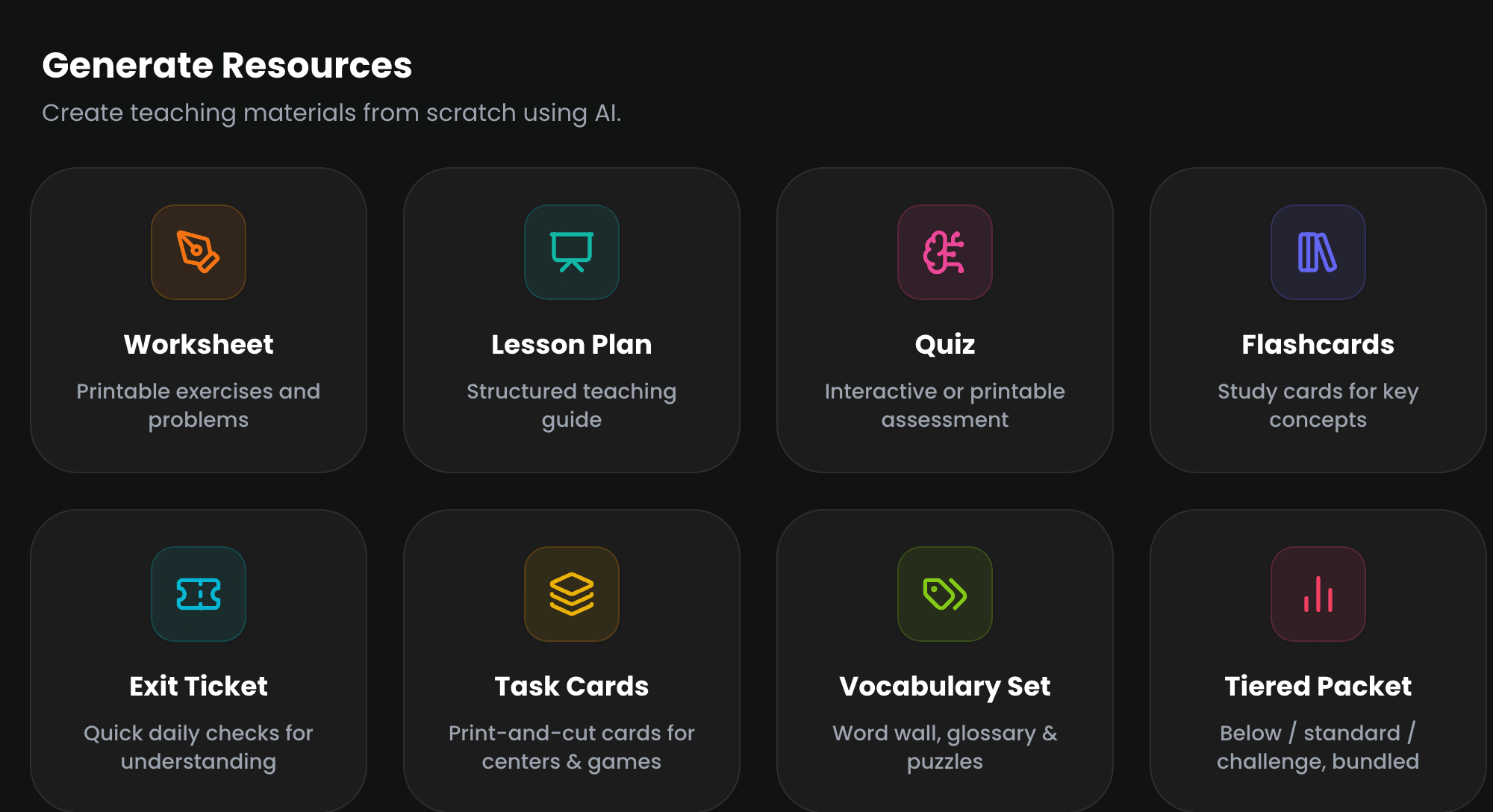
No material yet? Pick from 8 resource types - worksheet, quiz, task cards, vocabulary set and more - describe the topic and grade level, and get a classroom-ready, branded PDF while you get on with something else.
Now generating 8 resource types
Every worksheet, packet and puzzle a class needs
Type a grade, topic and a minute of brief - get back a branded, print-ready PDF. Four new formats just joined the four you already know.
What actually prints
Made for the class it is going to
A Grade 2 sheet gets a thick rounded frame and type a seven-year-old can read across the room. By Grade 10 the frame is gone entirely and the page reads like a college handout. Each subject brings its own colour. These are whole pages out of the PDFs linked beneath them - click any one to read it.
What it does
What TeacherVision Studio takes off your plate
Six things you’d otherwise be doing at 9pm on a Sunday - whether you’re starting from a source or a blank page.
From material you already have
Notes from anything
PDFs, YouTube videos, audio recordings, even a live lecture - TeacherVision Studio turns it into structured, readable notes.
Chat with your materials
Ask a question about the PDF or video and get a direct answer, with the source close at hand.
Clear, structured summaries
The important parts, surfaced - without wading back through 40 minutes of video.
From a blank page
Any resource, on demand
Pick from 8 resource types - worksheets to tiered packets - add a topic and grade level, and get a complete, ready-to-teach resource with no source document required.
Built-in differentiation
Below-grade, standard, challenge or mixed - generate the same lesson at the level each class actually needs.
Classroom-ready PDFs
Every worksheet and lesson plan renders as a branded, print-ready PDF - no reformatting before it goes on a desk.
How it works
From material to lesson-ready in four steps
Upload or paste a link
A PDF, a YouTube link, an audio file - whatever you're already working from.
Studio reads it
It finds the key concepts, terms and structure - no manual tagging required.
Your note appears
It builds in the background, so you can close the tab. It is waiting in My Library when you get back.
Add a quiz, then share
One click on the finished note, built from what it just read. Edit anything that needs your touch, then send it to your class.
Don’t have source material? Generate a resource from scratch →
See it in action
An answer key you can actually check
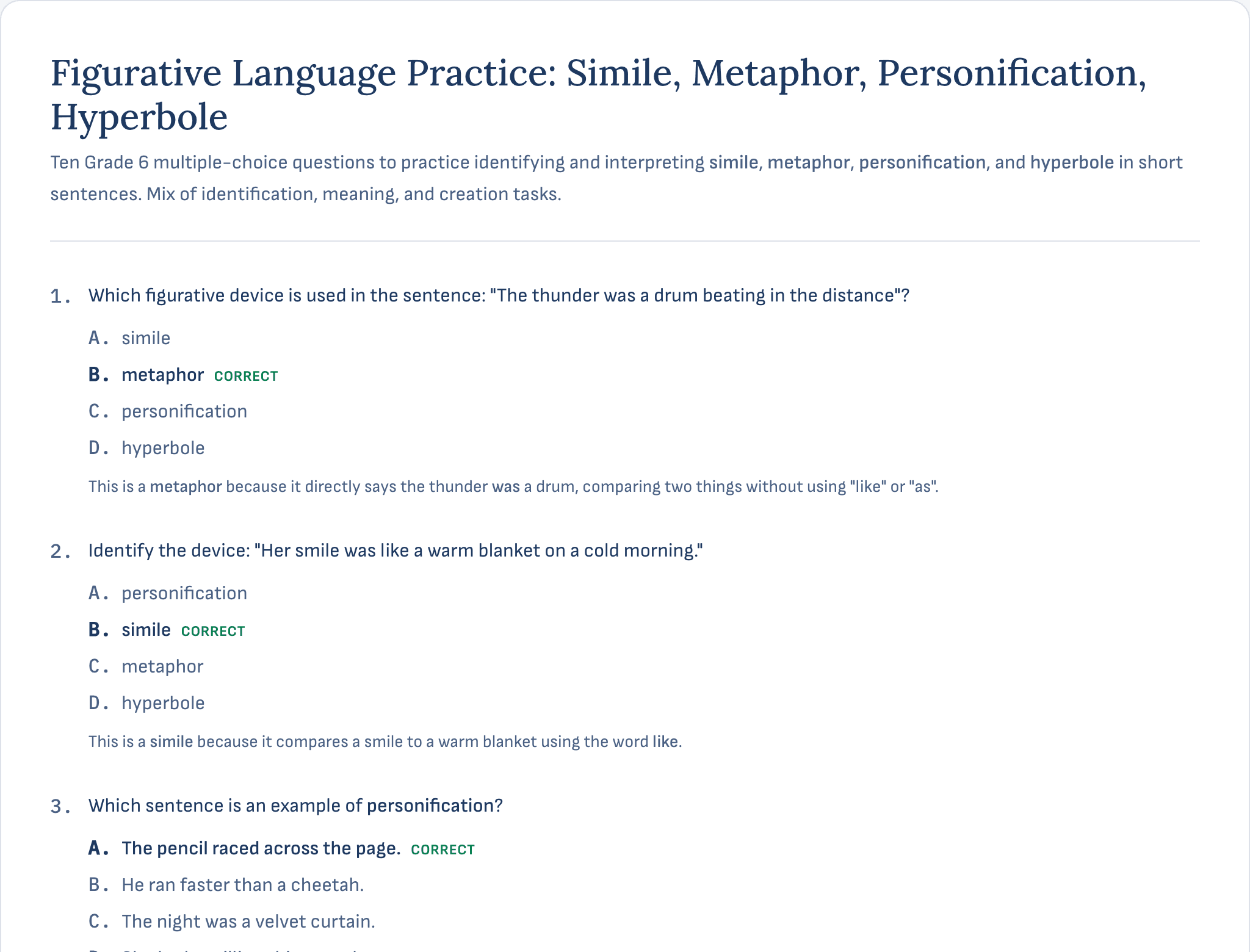
A quiz is only as useful as its key. Here is a real generated one, published in full with its answers marked and the reasoning behind each. Read it before you decide whether to trust it in front of a class.
Answers marked - every question carries its correct option and why it is correct.
Two copies - a student sheet and a teacher copy, from one generation.
Editable - treat the AI draft as a first pass, not the final word.
No material required
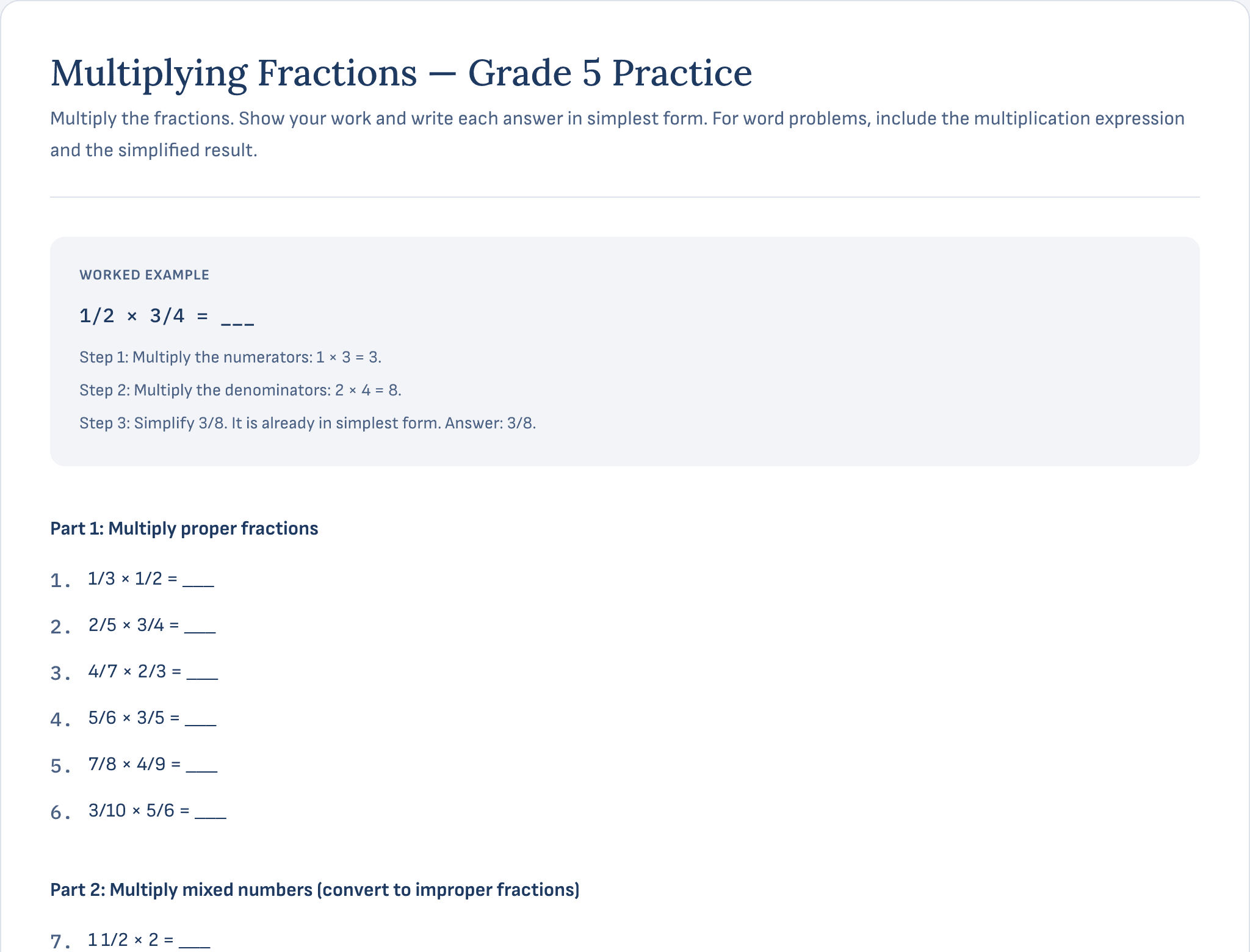
A finished worksheet, not a blank template
Pick a resource type, tell TeacherVision Studio the grade, topic and difficulty - it drafts the whole thing, tiered and ready to print.
Standards-aware - add a standards code or curriculum reference and it's woven into the content.
Differentiated - generate below-grade, standard or challenge versions of the same resource in one pass.
Print-ready - every resource renders as a branded PDF your class can use immediately.
Questions
Frequently asked questions
Everything you need to know.
Ready to get your evenings back?
Free to try. 30 resources a month is included with a TeacherVision subscription.